
Several units, one sign-in
A leader who serves several units switches between them without signing out. Each unit’s records stay separate, and permissions are checked again in each unit, so a role in one unit opens nothing in another.
For districts
A district lead or a group with several sections needs the same rules everywhere, without seeing every family’s file. Wampums keeps each unit’s records apart and lets the district set roles, open units and follow every change of access.
A leader who serves several units switches between them without signing out. Each unit’s records stay separate, and permissions are checked again in each unit, so a role in one unit opens nothing in another.
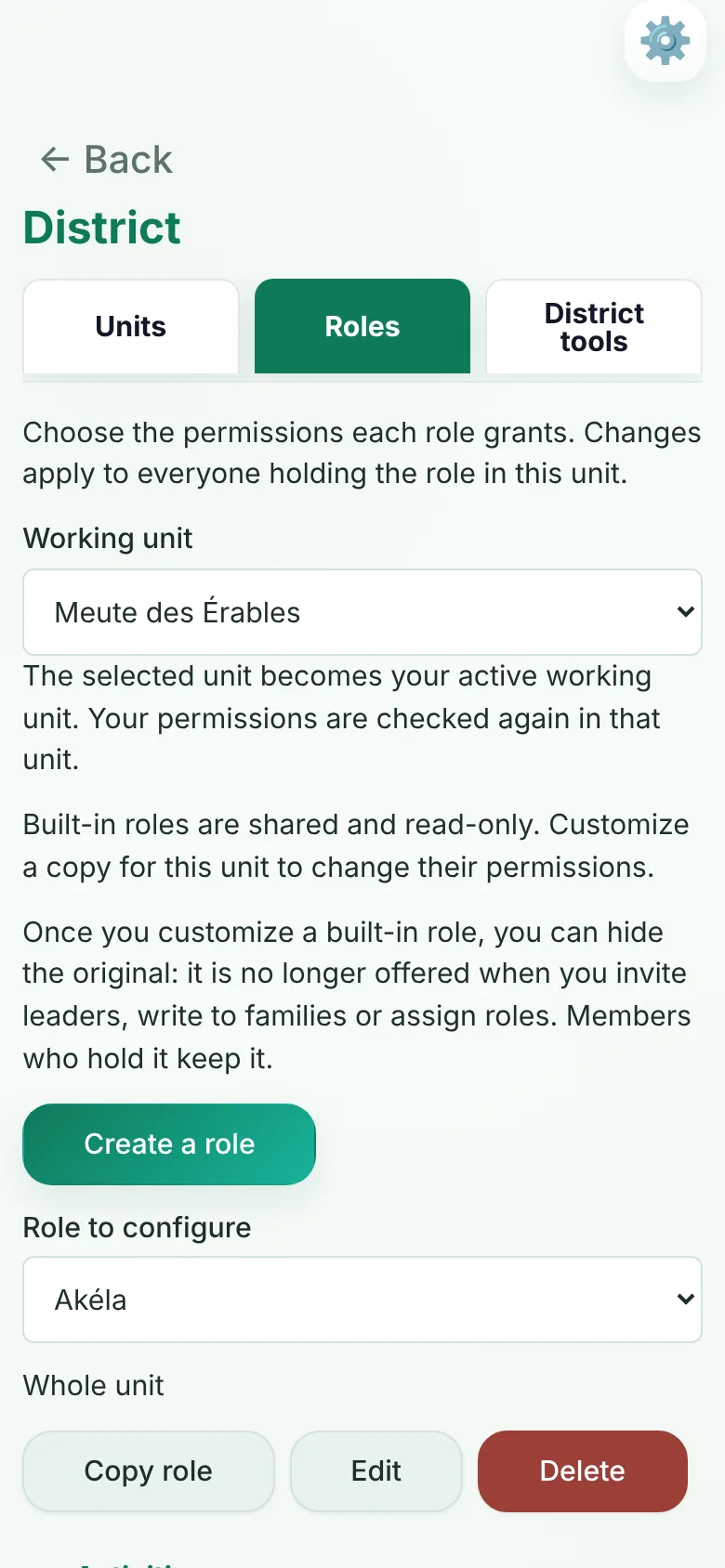
Built-in roles are shared by every unit. A unit can customize a copy for itself and hide the original it replaced. The district role holds every permission, and changing roles from the district takes a permission of its own.
Every change to a role’s permissions and every role given or removed is recorded with who made it and when. Nobody can grant a right they do not hold, or remove one from someone who holds more than they do.
Create the unit, copy its forms from another unit, and import its roster from CSV files, including an export from SISC. The new unit uses its own names for its sections and subgroups.
A single unit uses Wampums free until at least 2028. For an organization opening several units (five or more, say), we agree on a competitive monthly price together. Write to us to talk it over.
No. Each unit’s records stay separate. A district lead with access to a unit switches to it to see its records, under the permissions their role gives there.
No. Units registered with Scouts Canada keep registering their members in MyScouts. There is no link between the two; Wampums runs the week-to-week work of each unit.
A single unit uses Wampums free until at least 2028. For an organization opening several units (five or more, say), we agree on a competitive monthly price together.
Tell us how your district or group is organized. We’ll show you how roles and units work in Wampums and plan the opening with you.